Your tasks are a deck of cards. Play one at a time.
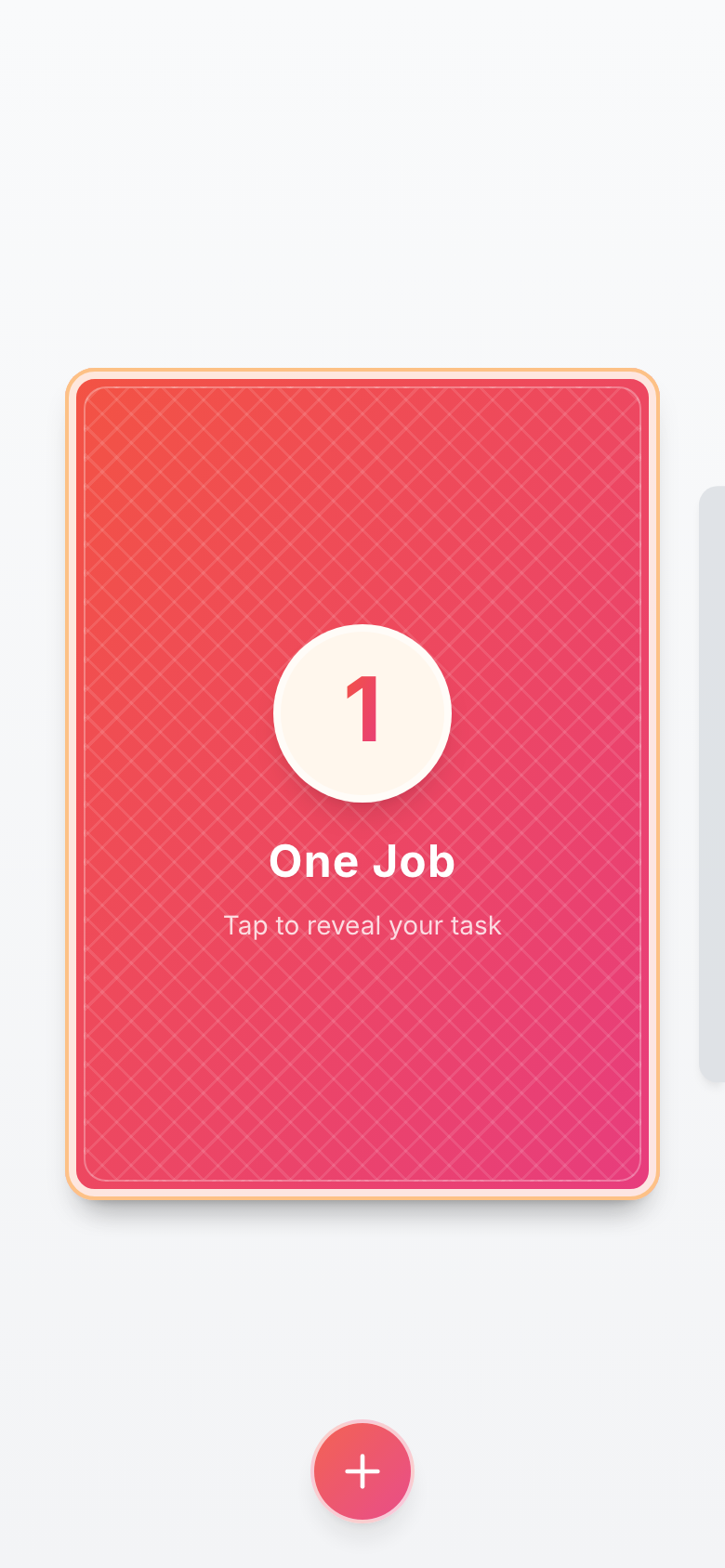
One Job shows you a single card. Do the thing, swipe it away, and the next card is waiting. That's the whole idea — and it turns out to be enough.
Free · works offline · no account, no tracking — your tasks never leave your device
How it works
One card, face up
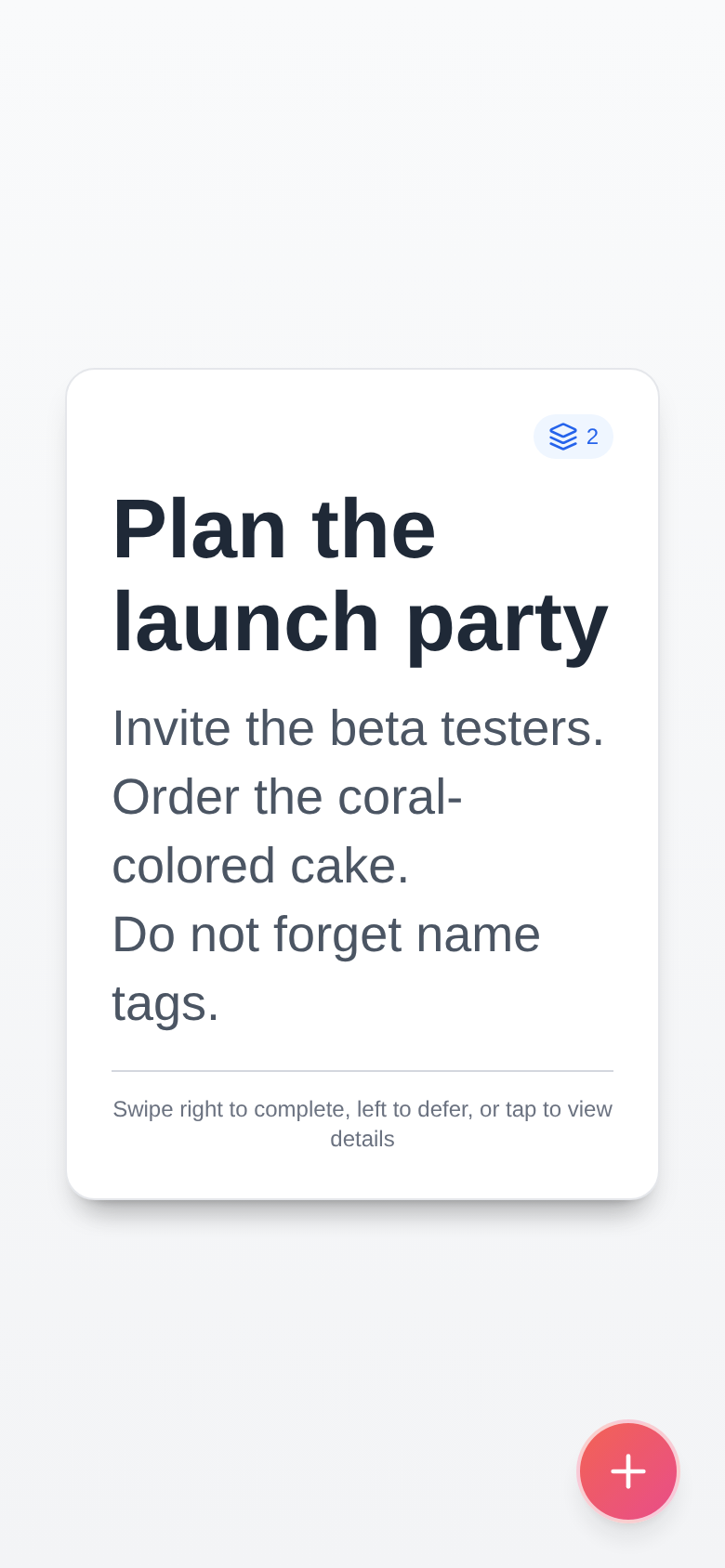
Swipe right when it's done. Swipe left to send it to the bottom of the deck for later. Tap to read the whole card. No lists, no badges, no guilt.
Go into the card
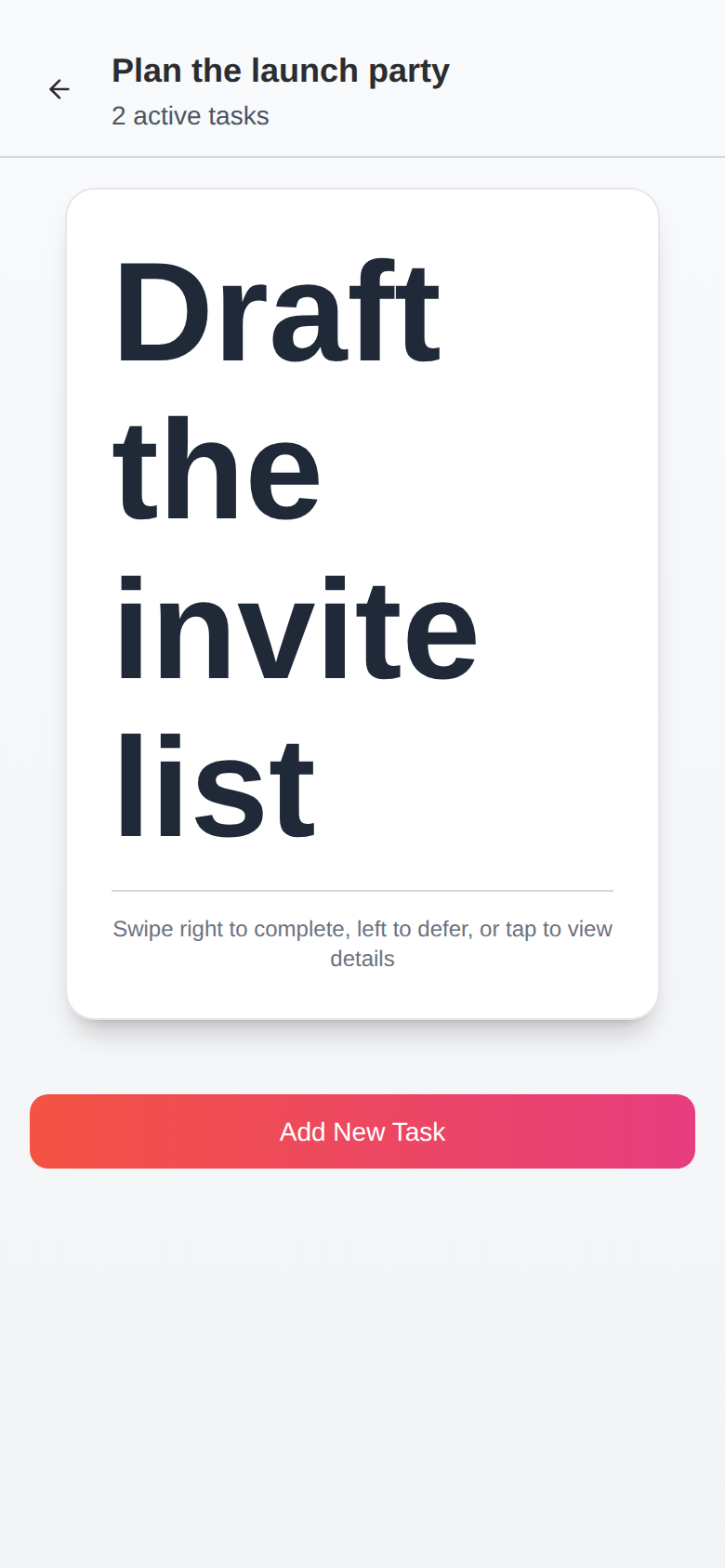
Any card can hold its own little deck. Break the big thing into small things and play them the same way — as deep as the work actually goes. A card won't call itself done while its inside is unfinished.
Nothing is a dead end
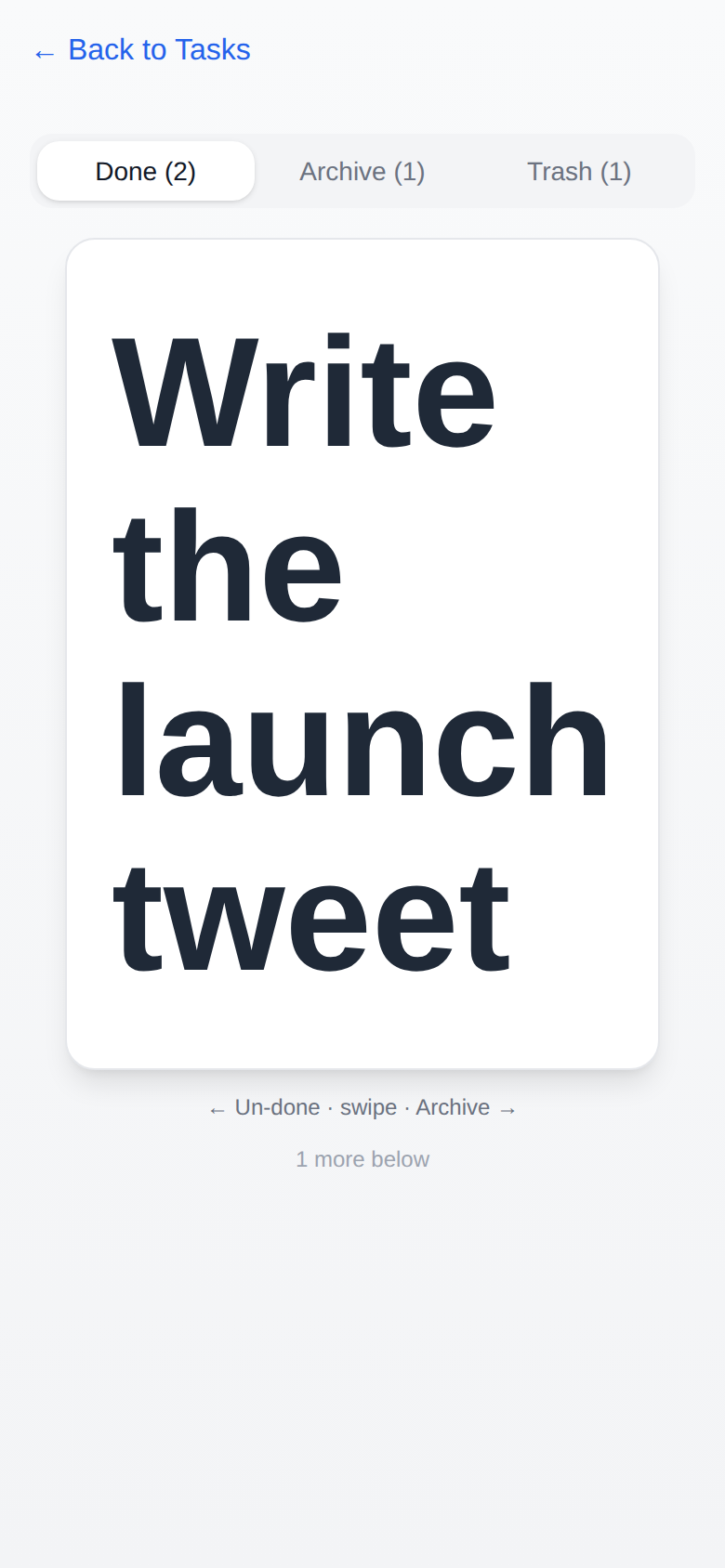
Finished cards move through Done, Archive, and Trash — and every move works in both directions. Un-do a completion, restore from trash, change your mind. Deleting forever takes a deliberate, confirmed step. Nothing else is permanent.
Local-first, on purpose
One Job is quiet software. It has no server watching you work, no account to create, and nothing to sell about your day.
Your deck lives on your device and works offline. Backup and restore are built in — a plain file you can keep anywhere — and the app nudges you when your last backup is getting old.
- No account. Open it and start.
- No tracking. No analytics, no ads, nothing phones home.
- Offline. Airplane mode is fully supported territory.
- Your data is a file. Export it, keep it, import it anywhere.
- Installable. Add it to your home screen and it feels native.
Get One Job
iPhone & iPad
The real thing — install it like any app, keep it forever. Everything lives on your device, nothing needs an account.
Download on the App Store →Web app
The same app, in any modern browser, on any device — nothing to install, works offline. The easiest way to try it before you commit a home-screen slot to it.
Open in your browser →